Many small businesses start out with a USB stick or a flat-rate cloud subscription. At the latest after the second lost USB stick or the next cloud bill, you realize this is not a sustainable solution. A NAS (Network Attached Storage) is the more economical alternative: buy once, use for years, no ongoing license costs.
Why a NAS Instead of a Cloud Subscription?
A NAS belongs to you. No monthly costs, no data privacy concerns, full control over your data. For teams of 5 to 15 employees, a good NAS typically pays for itself within 6 to 12 months compared to a cloud subscription. On top of that come features a pure cloud simply does not offer: local backups in real time, version history, and a central storage location for scanners, cameras, and servers.
What to Look for When Buying
When it comes to drive bays (2 or 4), two slots are enough for teams of up to about 10 people. Four bays give you more capacity and better RAID options (RAID 5/6). For RAM, you should have at least 2 GB, better 4 GB - this determines how well the device handles multitasking. For drives, go with NAS-capable models like the WD Red Plus or Seagate IronWolf. Regular desktop drives fail noticeably faster in continuous operation. And for remote access, the device should support TLS and VPN.
My Recommendations
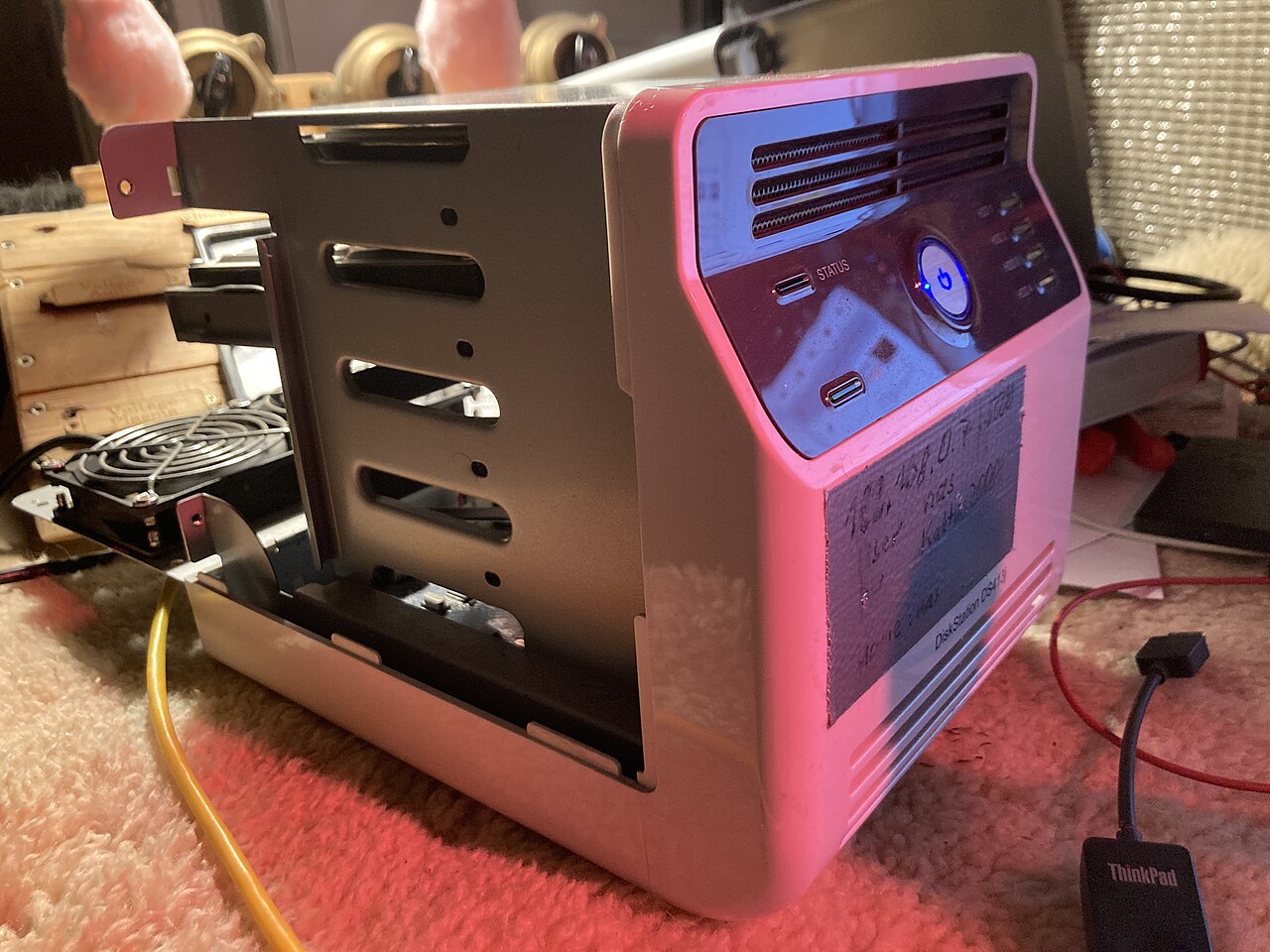
Image: Korrupt, CC BY 4.0, Wikimedia Commons
For getting started (up to 2 employees), the Synology DS223j is enough: inexpensive, quiet, and sufficient for file storage and a backup target. As a first solution, perfectly fine.
For 3 to 10 employees, I would go with the Synology DS224+, the office classic. Considerably more power than the j-series, plus Docker, Surveillance Station, and multiple simultaneous users without lag.
If you need more capacity (10+ employees or video and mail archives), the Synology DS923+ with 4 drive bays is the better choice. Expandable, fast, and with the optional 10-Gbit upgrade, ready for the years ahead.
Looking for a different price-to-performance ratio: the QNAP TS-464 offers more RAM and an HDMI output, in case you also want to use the device for multimedia.
The Right Hard Drives
A NAS is only as reliable as its drives. I rely exclusively on NAS series: WD Red Plus for quiet operation and efficiency, Seagate IronWolf for heavy write workloads. Two drives in RAID 1 (mirroring) means: if one drive fails, the system keeps running without data loss.
My Recommendation
For most SMBs in the Rhine-Neckar region, the combination of a Synology DS224+ with two WD Red Plus drives offers the best price-to-performance ratio. If you already know your data volume will grow, go straight for the 4-bay model. Converting later costs more time than the price difference today.
Thinking about professionalizing your file storage? I advise on NAS, backup concepts, and migration - contact me for a free initial assessment.
As an Amazon Associate, I earn from qualifying purchases.


Comments